
 Available in US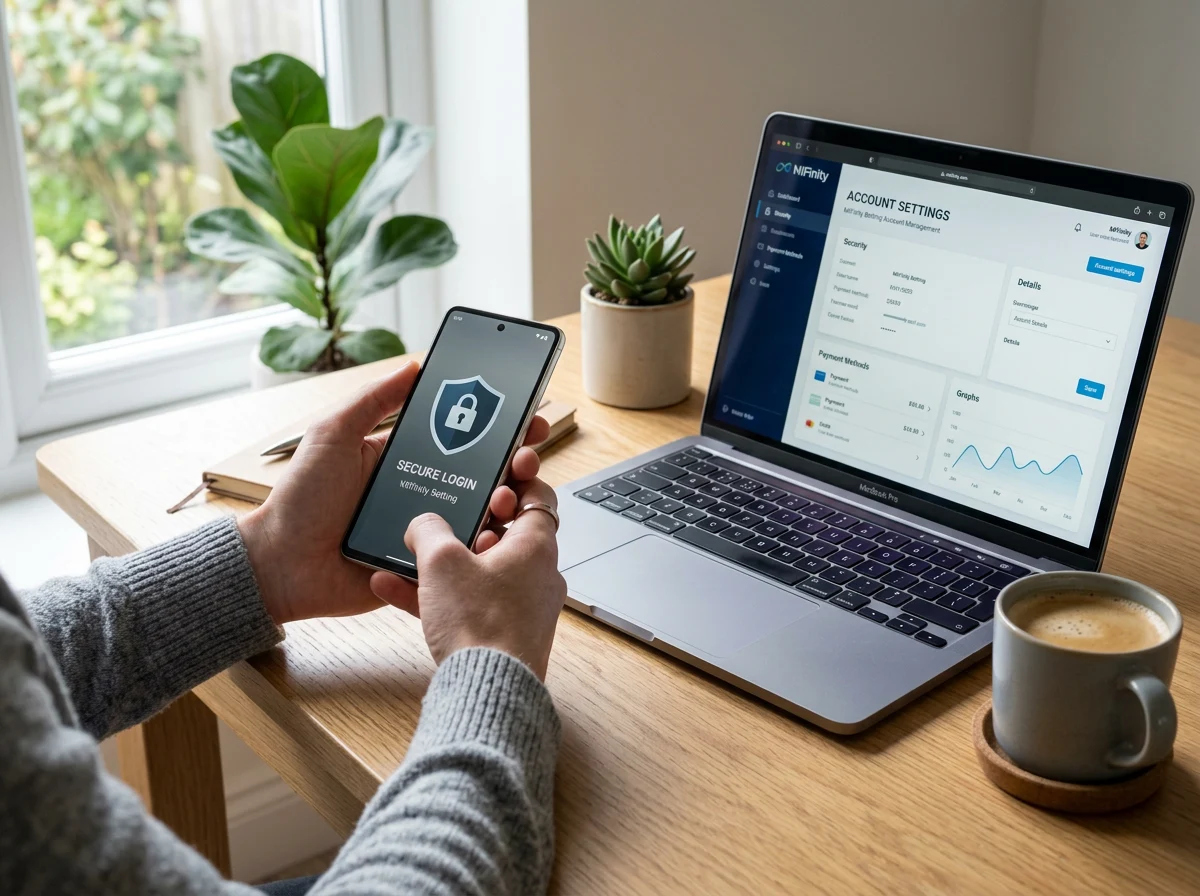
Contents
Keeping Your Betting Wallet Organised and Secure
A MiFinity account that you set up in five minutes and never revisit is a liability waiting to happen. I have seen punters lose access to wallets holding four-figure balances because they forgot which email they registered with, or because their phone number changed and they could not receive authentication codes. Account management is not glamorous, but it is the foundation that everything else – deposits, withdrawals, loyalty rewards – rests on.
MiFinity passed one million user accounts in early 2025, and the platform now serves punters across 225 countries. That scale means the account management tools need to be robust, and to MiFinity’s credit, they are. But tools only work if you use them. 68% of online gamblers prefer e-wallets over cards for security reasons, but that security advantage evaporates if your account settings are outdated, your password is reused from another site, or your linked payment methods include a card that expired six months ago.
Enabling Two-Factor Authentication
If you do nothing else after reading this article, enable two-factor authentication. I am not being dramatic – 2FA is the single most effective security measure available to you as an account holder, and it takes less than two minutes to set up.
MiFinity supports 2FA through authenticator apps and SMS verification. The authenticator app method – using Google Authenticator, Authy, or a similar tool – is more secure than SMS because it does not rely on your phone number, which can be compromised through SIM-swapping attacks. When enabled, every login and every transaction requires your password plus a one-time code from the authenticator app. Even if someone obtains your password, they cannot access your account without the second factor.
The setup process: navigate to security settings in your MiFinity account, select two-factor authentication, scan the QR code with your authenticator app, and confirm with the initial code. Save the backup recovery codes in a secure location – a password manager, not a screenshot on your phone – because losing access to your authenticator without backup codes can lock you out of your own wallet.
For mobile users who rely on biometric authentication (Face ID, fingerprint), 2FA adds a layer beneath the biometric. Your face or fingerprint unlocks the app, and 2FA protects the transaction authorisation. Two layers, two independent verification methods, two barriers between an attacker and your funds.
Your verification tier decides your transaction limits.
Monitoring Your Betting Transaction History
Your MiFinity transaction history is the most honest record of your gambling activity you will ever see. Sportsbooks show your wagering within their platform, but MiFinity shows every dollar that left your wallet for any sportsbook, plus every dollar that came back. If you use multiple operators, this consolidated view is the only place where your total gambling outflow is visible in one place.
I recommend reviewing your transaction history at least weekly during active betting seasons. Look for patterns: is your deposit frequency increasing? Are withdrawals getting rarer relative to deposits? Is the total monthly outflow creeping above what you budgeted for entertainment spending? These signals are easier to spot in a consolidated wallet history than across three separate sportsbook accounts.
MiFinity’s transaction log includes timestamps, amounts, merchant names, currencies, and transaction status. You can filter by date range, transaction type (deposits, withdrawals, fees), and merchant. For record-keeping purposes – which matters if you ever need to demonstrate your gambling activity for tax or financial planning purposes – the export function lets you download your history as a structured file.
One detail that catches new users: fees appear as separate line items. A $200 deposit to a sportsbook might show as a $200 transfer plus a $1.50 processing fee, rather than a single $201.50 debit. When tracking your total cost of betting, include these fee entries in your calculations.
For punters who treat betting as a hobby with a budget, the transaction history functions as a spending tracker. Set a monthly entertainment budget for gambling, compare it against your actual MiFinity outflow at the end of each month, and adjust accordingly. The data is already there – you just need to look at it regularly. This is not about restriction; it is about informed decision-making with real numbers rather than rough estimates.
Adding, Removing, and Managing Linked Payment Methods
MiFinity supports over 80 funding methods, and your account can hold multiple linked cards and bank accounts simultaneously. Managing these connections is straightforward but important – an expired card left linked to your account will cause deposit failures at the worst possible time.
Adding a new card or bank account: navigate to the payment methods section, enter the details, and confirm ownership through a small verification charge (typically a few cents, refunded automatically). The verification confirms that the card or account belongs to you and prevents unauthorised linking.
Removing an old card: find the method in your linked payments list and select remove. I recommend doing this whenever a card expires, when you close a bank account, or when you switch financial providers. Stale payment methods clutter your account and can trigger confusion during deposit attempts when the wrong card is selected by default.
For punters who travel or maintain accounts with multiple banks, periodic housekeeping of linked methods prevents the “why was my deposit declined?” moment that always seems to happen right before a match. MiFinity’s wallet supports 18 currencies, and linking payment methods denominated in different currencies gives you flexibility for international sportsbook deposits without going through the wallet’s conversion on the funding side.
For more on how your linked payment methods interact with the KYC verification process, I covered the documentation requirements in the MiFinity KYC guide.
Can I link multiple bank accounts to one MiFinity wallet for betting?
Yes. MiFinity allows multiple linked payment methods, including multiple bank accounts and debit cards. Each linked method requires ownership verification. Having multiple options gives you flexibility and a fallback if one method is temporarily unavailable.
How do I enable two-factor authentication on MiFinity?
Navigate to security settings in your MiFinity account or app, select two-factor authentication, and follow the setup for your preferred method - authenticator app or SMS. Authenticator apps provide stronger security than SMS. Save your backup recovery codes in a secure location.
Can I see which sportsbooks I have transacted with in my MiFinity account?
Yes. Your transaction history shows the merchant name for every deposit and withdrawal. You can filter by merchant, date range, and transaction type. This consolidated view across all operators is one of the practical advantages of routing betting payments through a single e-wallet.
The backbone of the site is our complete guide for Australian punters.
