
 Available in US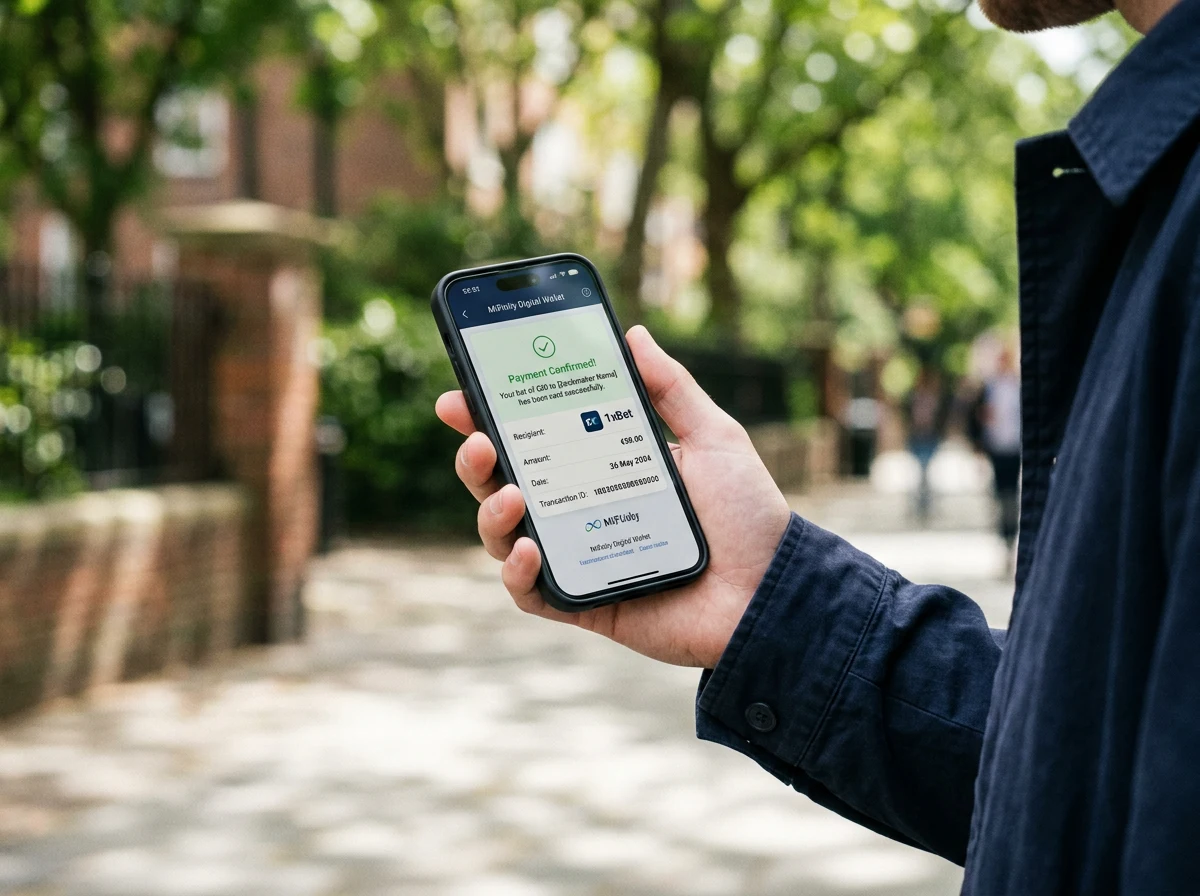
Contents
Betting on Your Phone with MiFinity: The Full Mobile Workflow
More than half of Australian gamblers now participate primarily online, and within that group, mobile is the dominant access point for the 18-44 demographic. Betting has moved from the desktop to the pocket, and the payment method needs to work just as smoothly on a five-inch screen as it does on a laptop. I test every payment integration on mobile before I test it on desktop, because that is where most transactions actually happen.
The mobile betting workflow with MiFinity follows a specific sequence: open the MiFinity app, verify your balance, switch to your sportsbook’s mobile site or app, select MiFinity at the cashier, authenticate the deposit via biometric or PIN in the MiFinity app, and return to the sportsbook with your balance updated. The entire process – from opening the MiFinity app to placing a bet – takes under a minute if your wallet is already funded. MiFinity’s CEO Paul Kavanagh described the company’s vision as ambitious and focused on adding value for customers, and the mobile experience reflects that intent.
MiFinity reached one million user accounts in early 2025, with thousands of new registrations daily. A significant share of those users are mobile-first. The wallet supports 225 countries, 18 currencies, and over 80 funding methods, and all of these features are accessible through the mobile app without reduced functionality.
Installing and Setting Up the MiFinity App
The MiFinity app is available on both the Apple App Store and Google Play Store. Download it, create an account with your email address and a password, and you are in. The initial setup takes about three minutes – name, email, phone number, and your preferred base currency. For Australian users, setting AUD as your default currency avoids unnecessary conversion on domestic sportsbook deposits.
Account verification can happen entirely through the app. You photograph your ID document – Australian driver’s licence or passport – and submit a selfie for identity matching. The app walks you through the capture process, flagging blur or glare issues before you submit. Verification typically processes within 24 to 48 hours, though I have seen it complete in under six hours during low-volume periods.
Once verified, you can fund your wallet immediately. Card top-ups process within the app in minutes. The interface displays your current balance, recent transactions, and available funding methods in a clean layout. There is no separate web login required – everything you need lives inside the app, and biometric authentication (Face ID, fingerprint) means you do not need to type passwords on a small screen.
Mobile matters most when you are betting in-play. One practical recommendation: enable push notifications for transactions. When you deposit to a sportsbook, the MiFinity app sends a confirmation notification within seconds. This instant feedback is especially useful during live events when you want to know your deposit has landed before you navigate to a market.
Making Deposits from the MiFinity App to a Sportsbook
The deposit flow between the MiFinity app and a sportsbook is designed around minimal screen-switching. When you select MiFinity at a sportsbook’s mobile cashier, the site redirects to MiFinity’s authentication screen. If you have the app installed, this redirect opens within the app rather than loading a separate browser page. You confirm the amount, authenticate with biometrics, and the app sends you back to the sportsbook with the deposit confirmed.
In my testing across multiple sportsbooks, the roundtrip – from tapping “Deposit” at the sportsbook to seeing the updated balance – averages 15 to 30 seconds on a stable connection. Slower connections or sportsbooks with less optimised MiFinity integrations can stretch this to a minute. The variability is on the sportsbook side, not the wallet side.
Pre-funding your wallet before heading to an event or settling in for an evening of matches eliminates the one potential bottleneck in the mobile workflow. If your wallet needs loading from a card, that adds the card issuer’s processing time – usually one to five minutes – to the chain. A wallet that is already loaded means every deposit to a sportsbook is a single-step authentication, which is as close to frictionless as mobile payments get.
Sportsbook App vs Mobile Browser: What Works Better with MiFinity
This question comes up in almost every mobile payment consultation I run, and the answer is less definitive than you might expect. Some sportsbook apps handle MiFinity redirects flawlessly – the deposit flow stays within the app ecosystem, authentication is smooth, and you are back to the betting interface within seconds. Other apps fumble the redirect, opening a browser window, losing the session context, or requiring you to log in again after the deposit completes.
Mobile browser betting – using Safari or Chrome to access the sportsbook’s responsive site – often provides a more consistent MiFinity experience. Browser-based redirects to MiFinity’s authentication page follow standard web protocols that are less likely to break than app-specific deep links. The trade-off is that browser sites may lack some features found in native apps, such as push notifications for bet settlements or biometric login to the sportsbook itself.
My recommendation: test both options with a small deposit. If the sportsbook’s app handles the MiFinity redirect cleanly, use the app for its additional features. If the redirect breaks or creates friction, switch to the mobile browser for deposits and use the app for everything else. You are not locked into one approach, and a five-dollar test deposit takes less time than reading arguments about which is better.
For punters concerned about deposit speed during live events, where every second of redirect time matters, I covered the full timing breakdown in the MiFinity deposit time guide.
Do I need the MiFinity app to deposit at a mobile sportsbook?
The app is not strictly required - you can access MiFinity through a mobile browser. However, the app provides a smoother authentication experience with biometric login, push notifications for transaction confirmations, and better integration with sportsbook deposit redirects. For regular mobile betting, the app is the more practical option.
Can I manage withdrawals through the MiFinity mobile app?
Yes. The MiFinity app supports full withdrawal management. You can receive sportsbook withdrawals to your wallet, view incoming funds, and transfer money from your wallet to your bank account - all from within the app.
Is the MiFinity app experience different on iOS vs Android?
The core functionality is the same on both platforms. Both support biometric authentication, push notifications, full wallet management, and sportsbook deposit redirects. Minor interface differences exist due to platform design conventions, but neither version lacks features available on the other.
Before the detail, see our complete guide for Australian punters.
